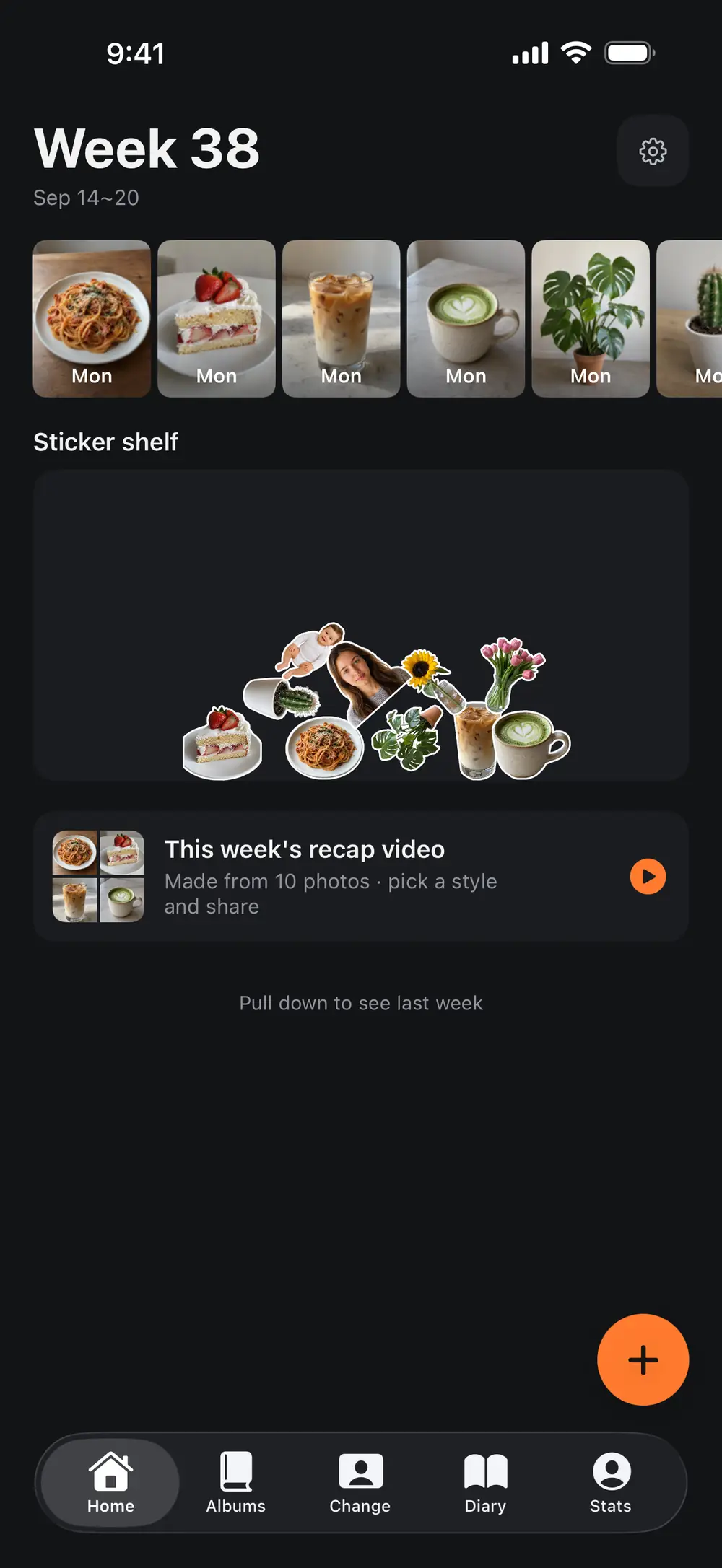
This week
Take or import a photo and find it under the date you took it.
Save a workout photo, a meal or a trip. Add a note and compare photos from different dates.


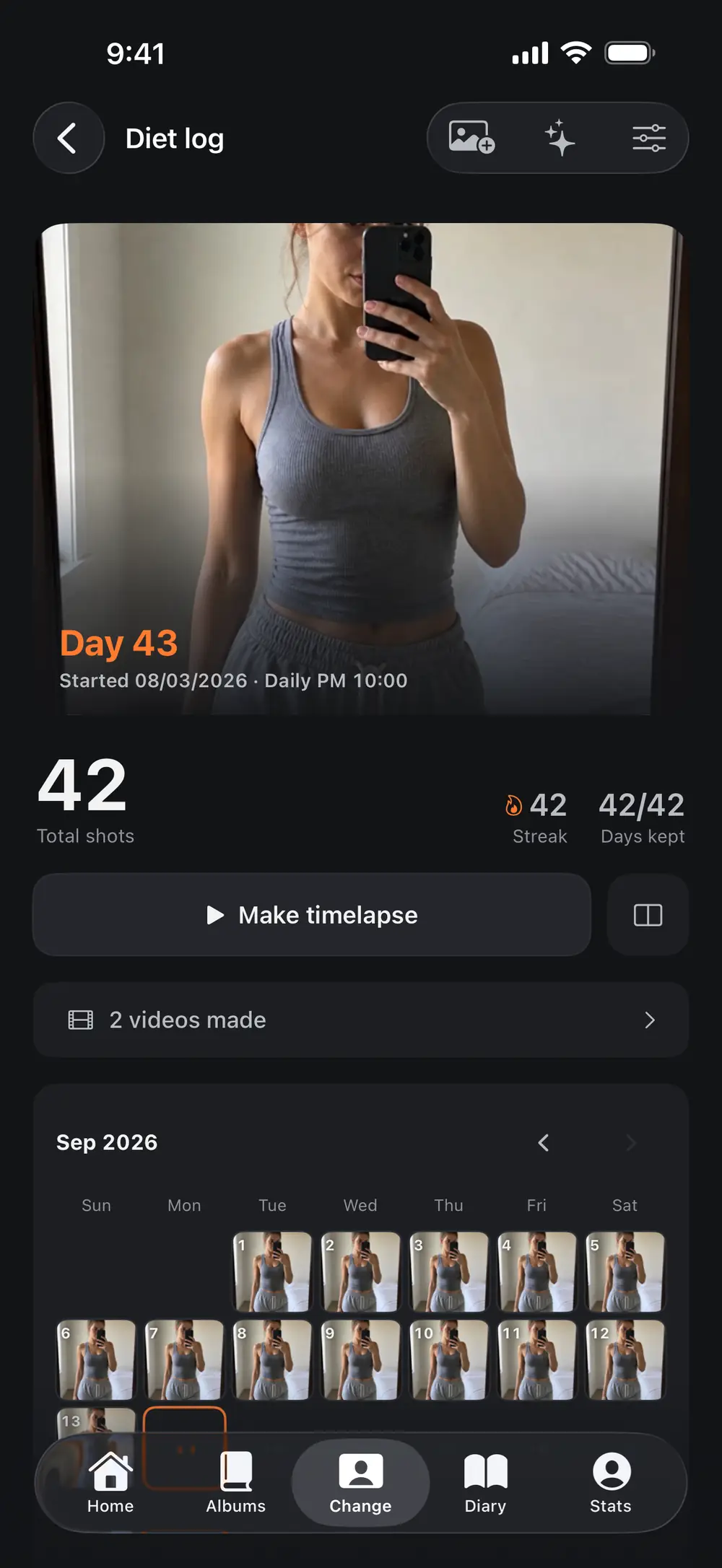
Progress photos
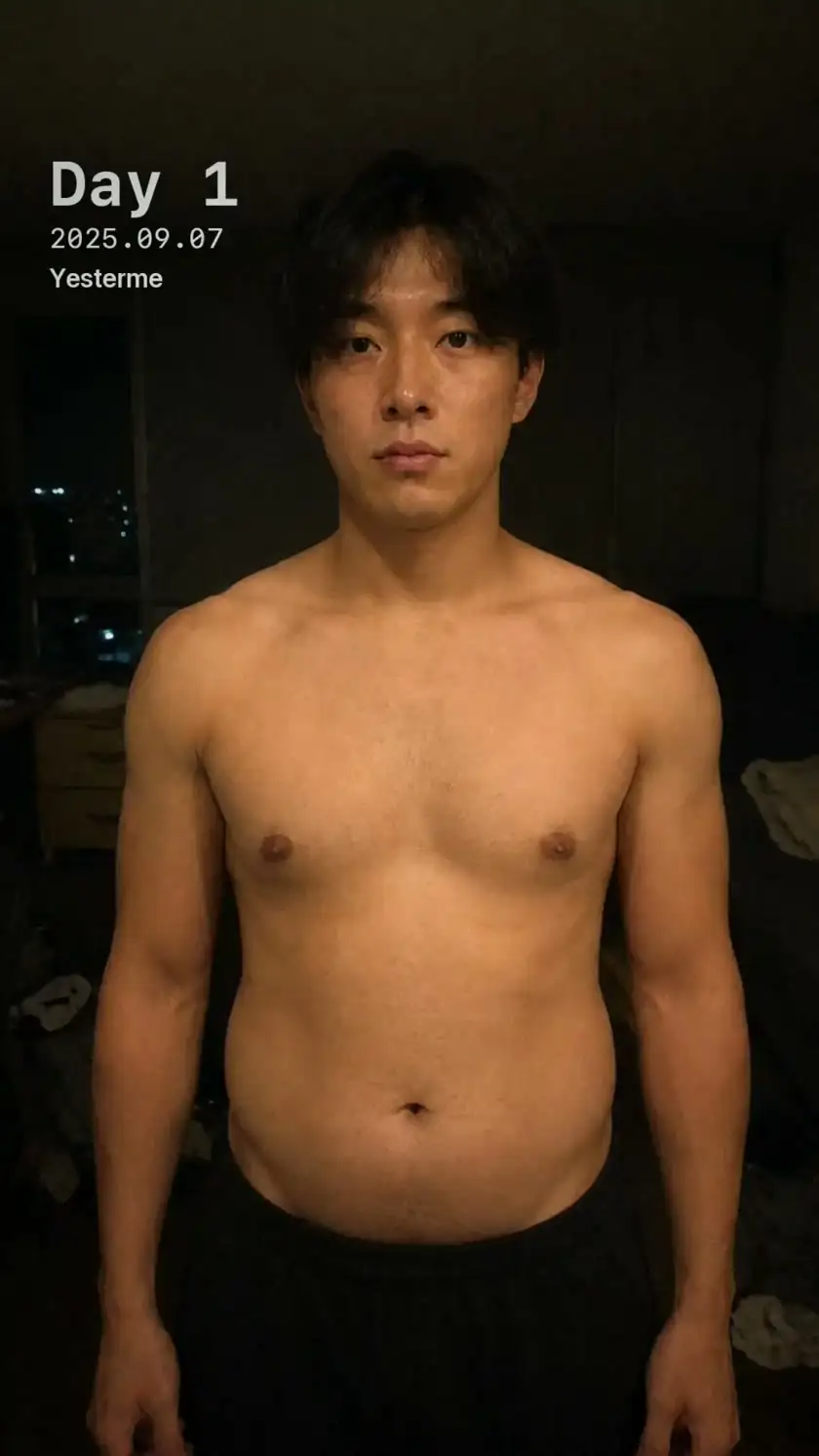
View your progress photos in date order to compare changes in your body and posture.
Day 7–365 · Example made with AI images
App tour

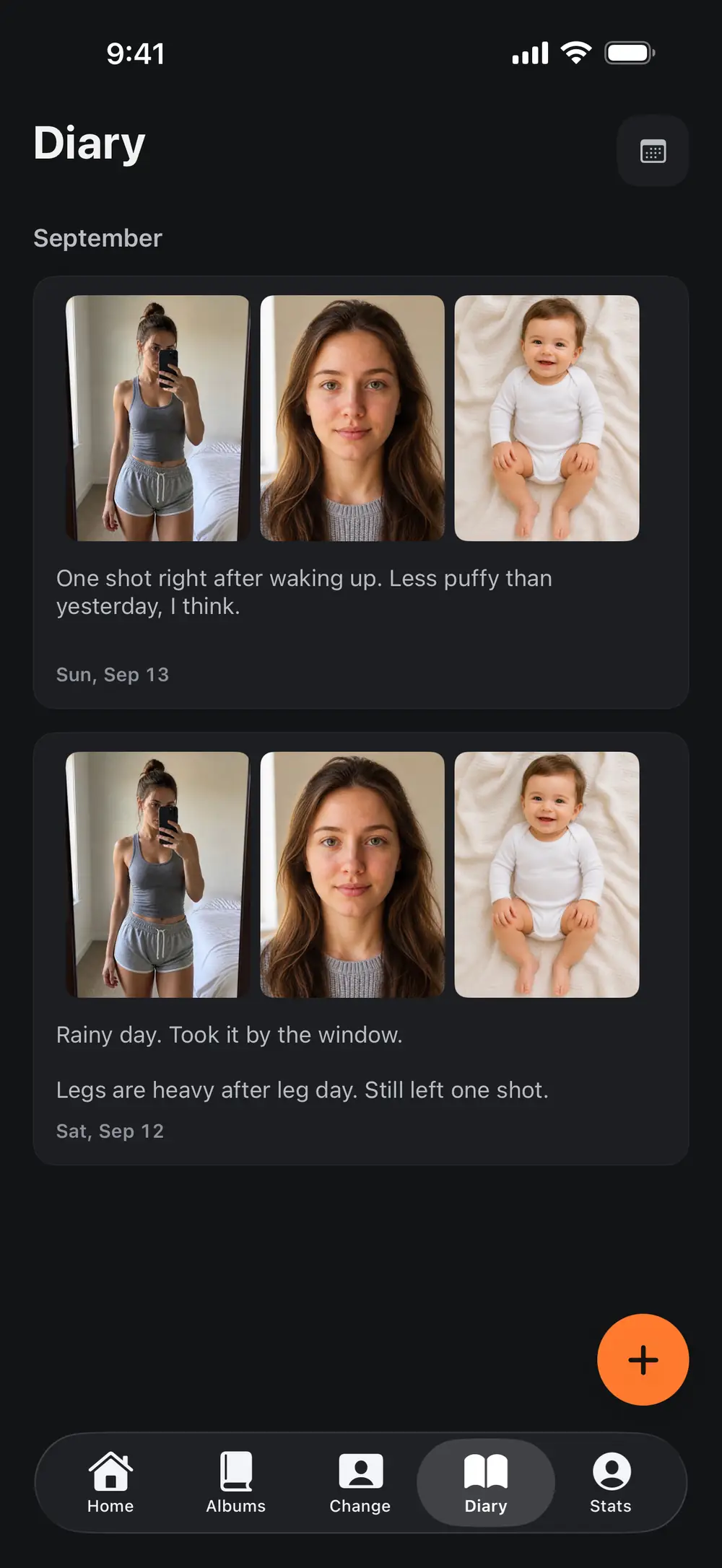
Take or import a photo and find it under the date you took it.
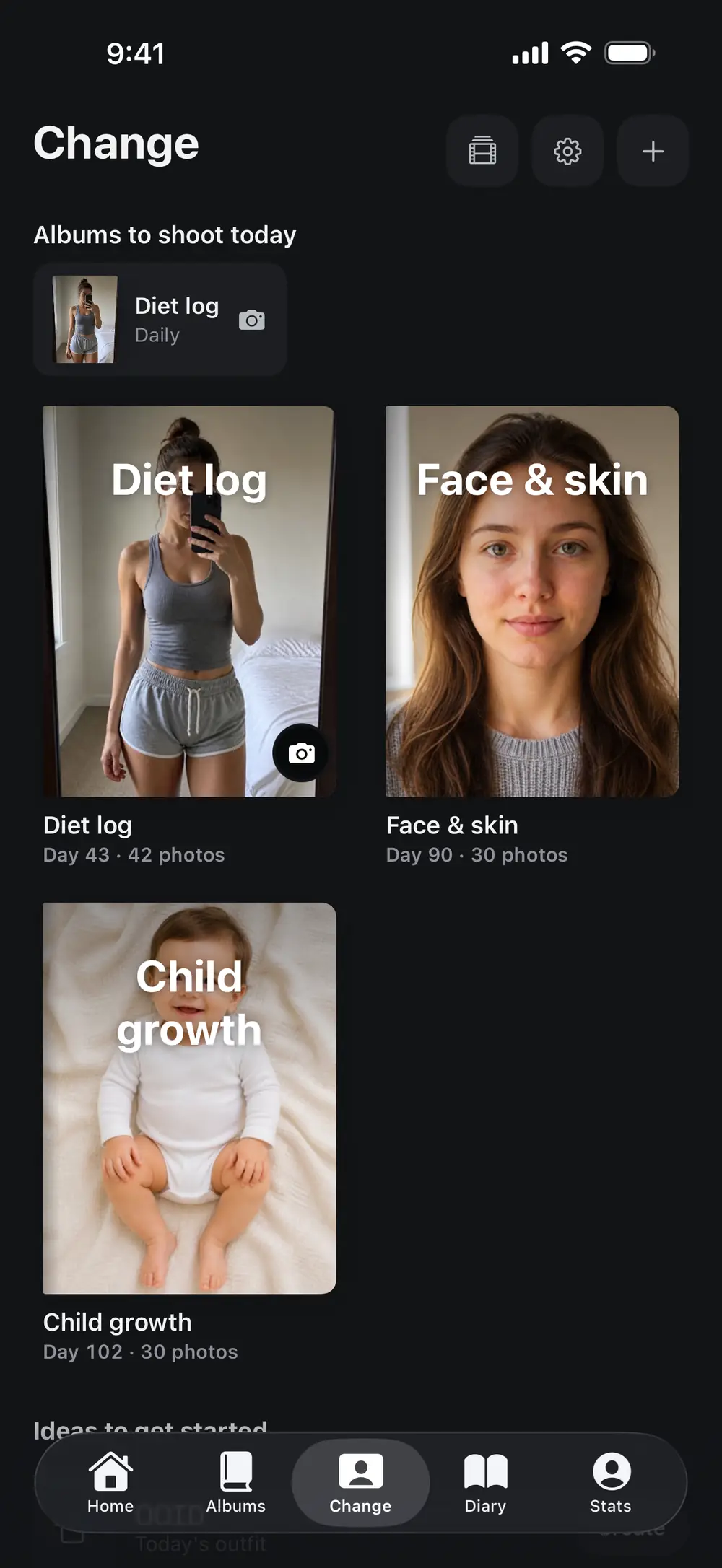
Compare progress and growth photos in separate albums.
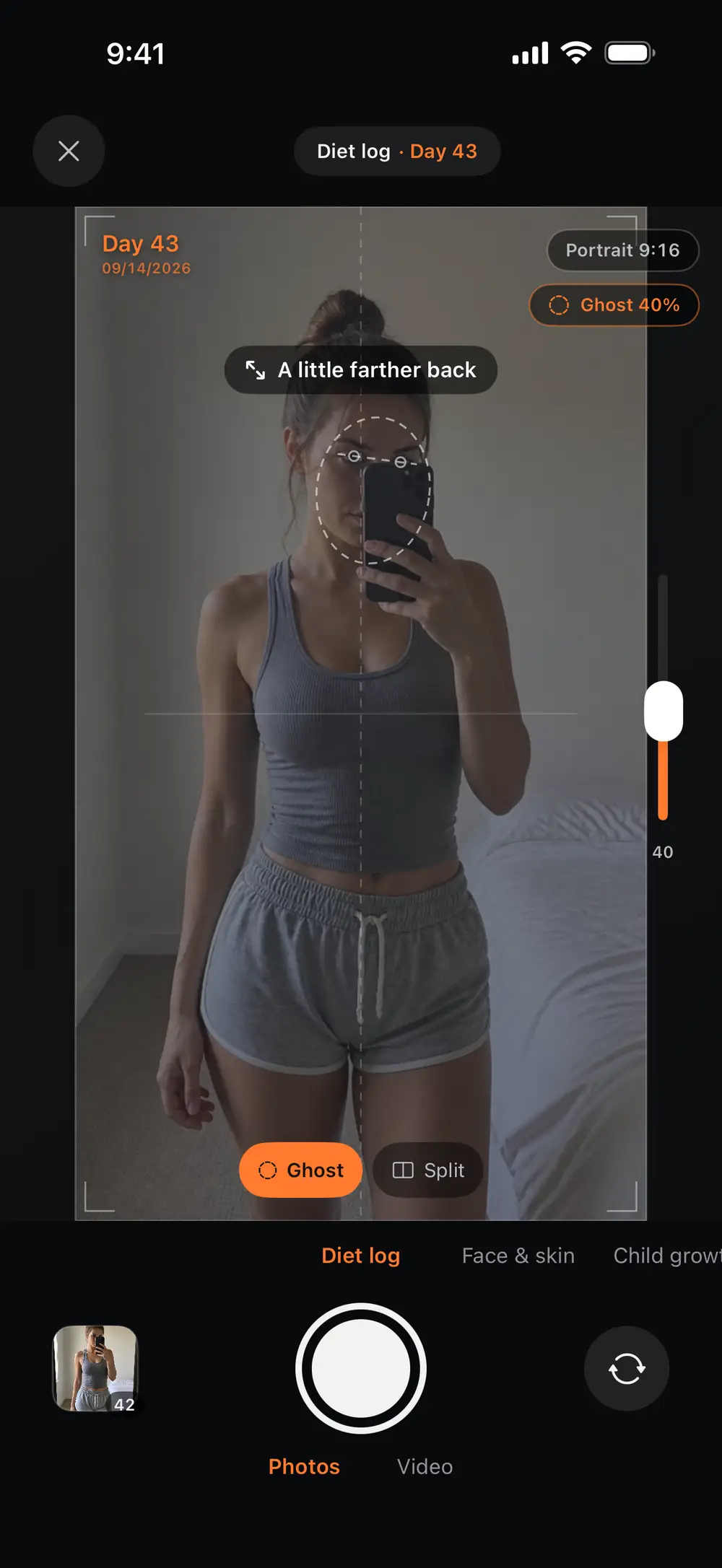
Use your previous photo to line up the next shot.
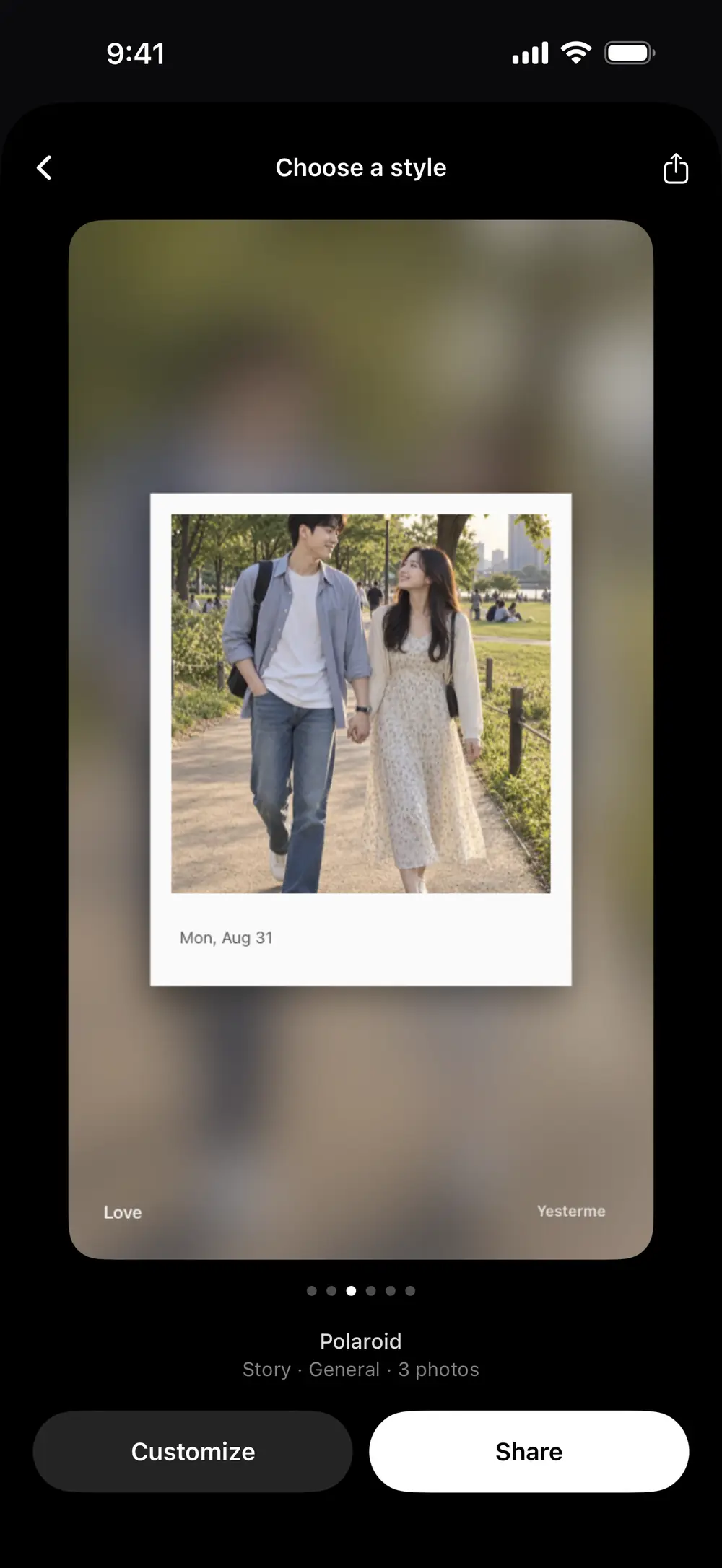
Add writing and stickers to the day's photos.
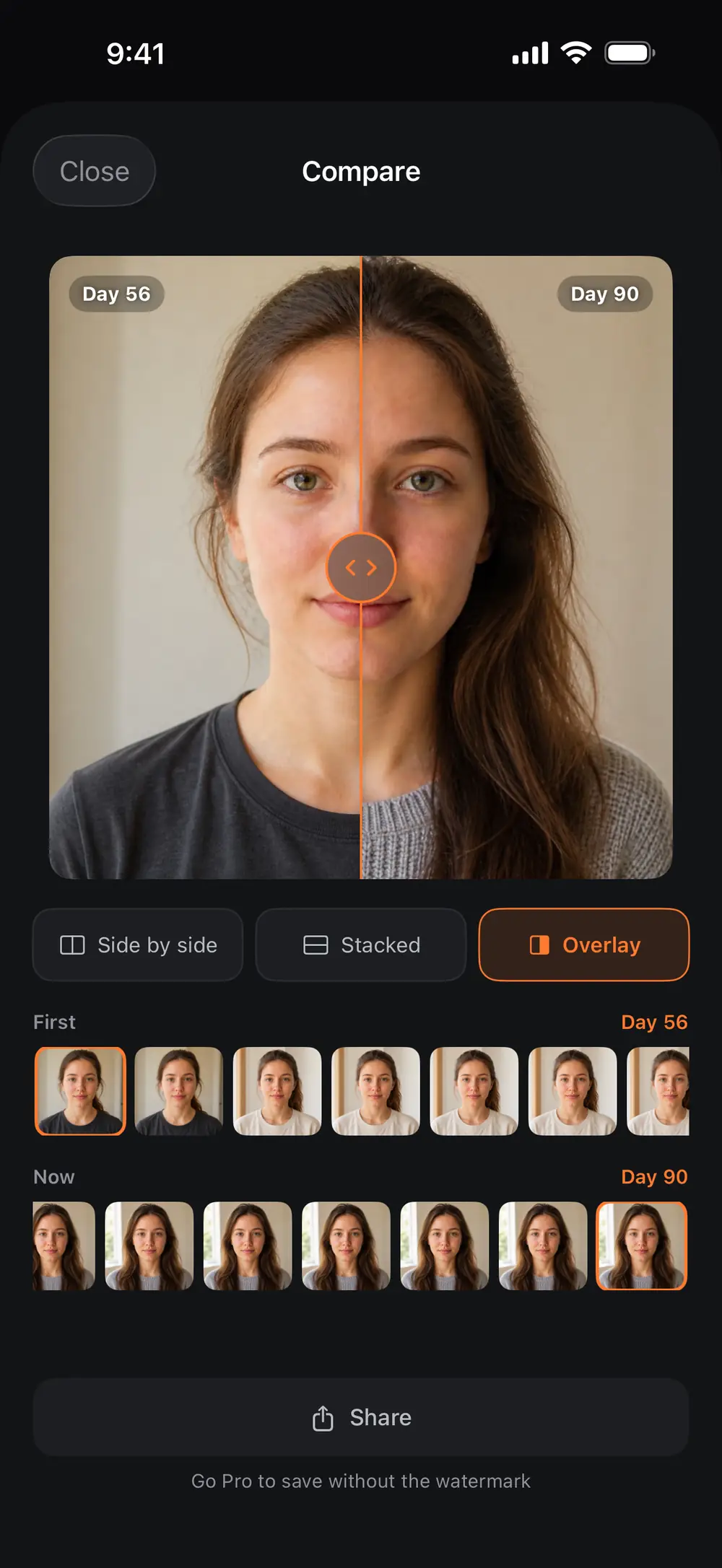
Choose photos from 2 dates to compare side by side.
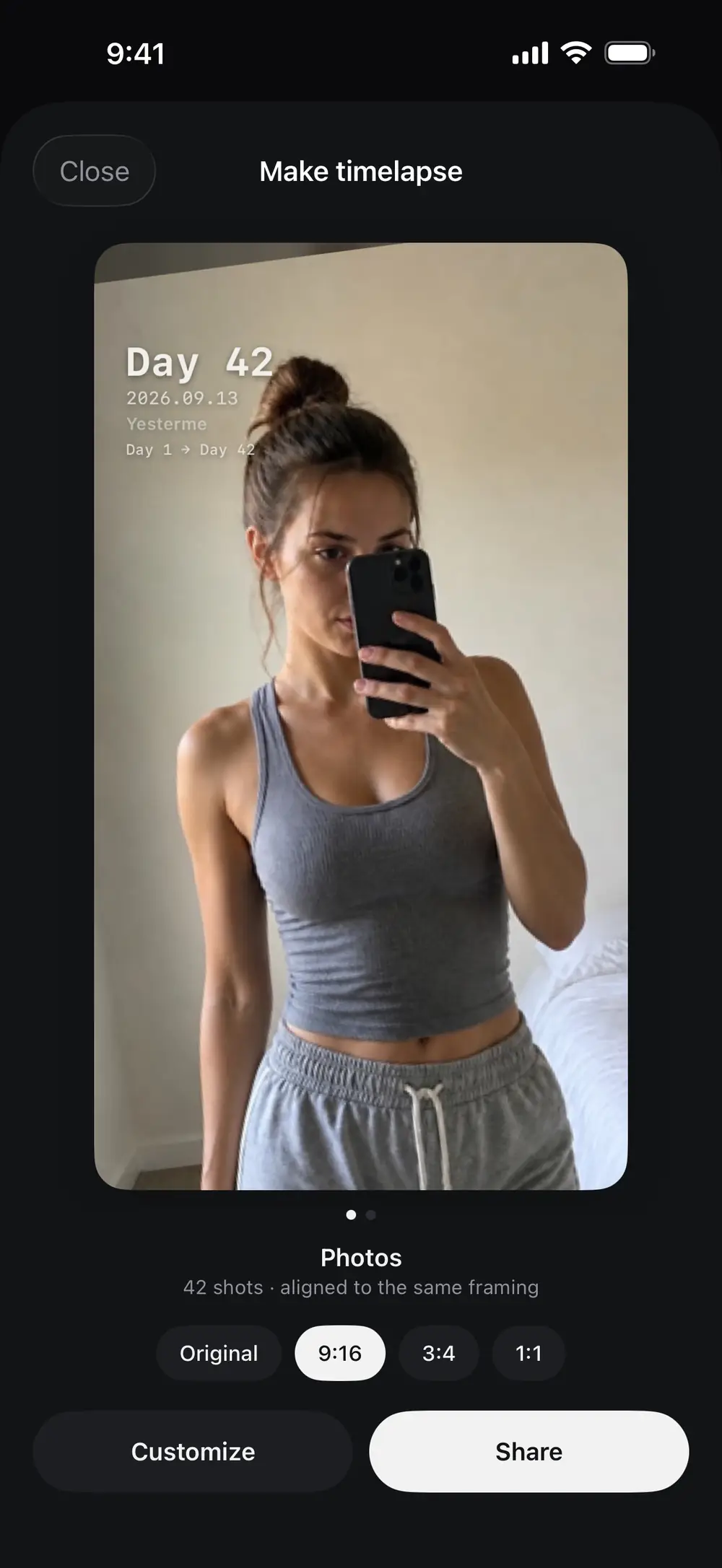
Turn your photos into a video in date order.
Your workout progress, a child's artwork, today's lunch. Keep photos of what matters to you.

From your first workout

A day you can keep to yourself

Member-owned progress records
AI-generated before-and-after examples. These do not show real transformations or demonstrate product or treatment effects.
Albums
Use change albums for body progress and growth photos. Collect meals and trips in memory albums.
Import existing photos with their original dates.
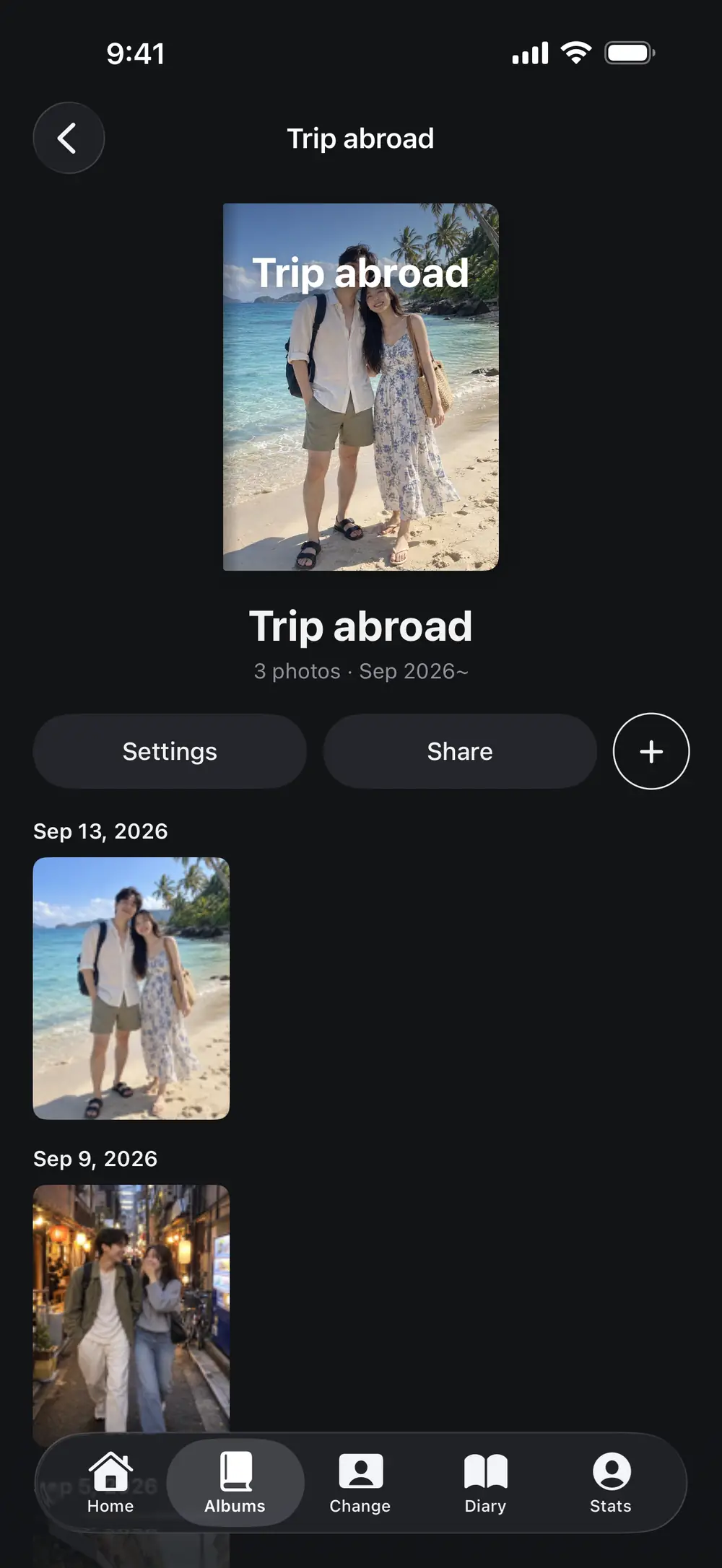
Photo journal
Write about a meal you enjoyed, how a workout felt or something that happened on a trip.
Combine photos, writing and stickers in your diary.

Ghost camera
See a translucent copy of your previous photo over the camera. Match your face or body position before taking the shot.
Day 1 · Day 365 / Comparison made with AI images

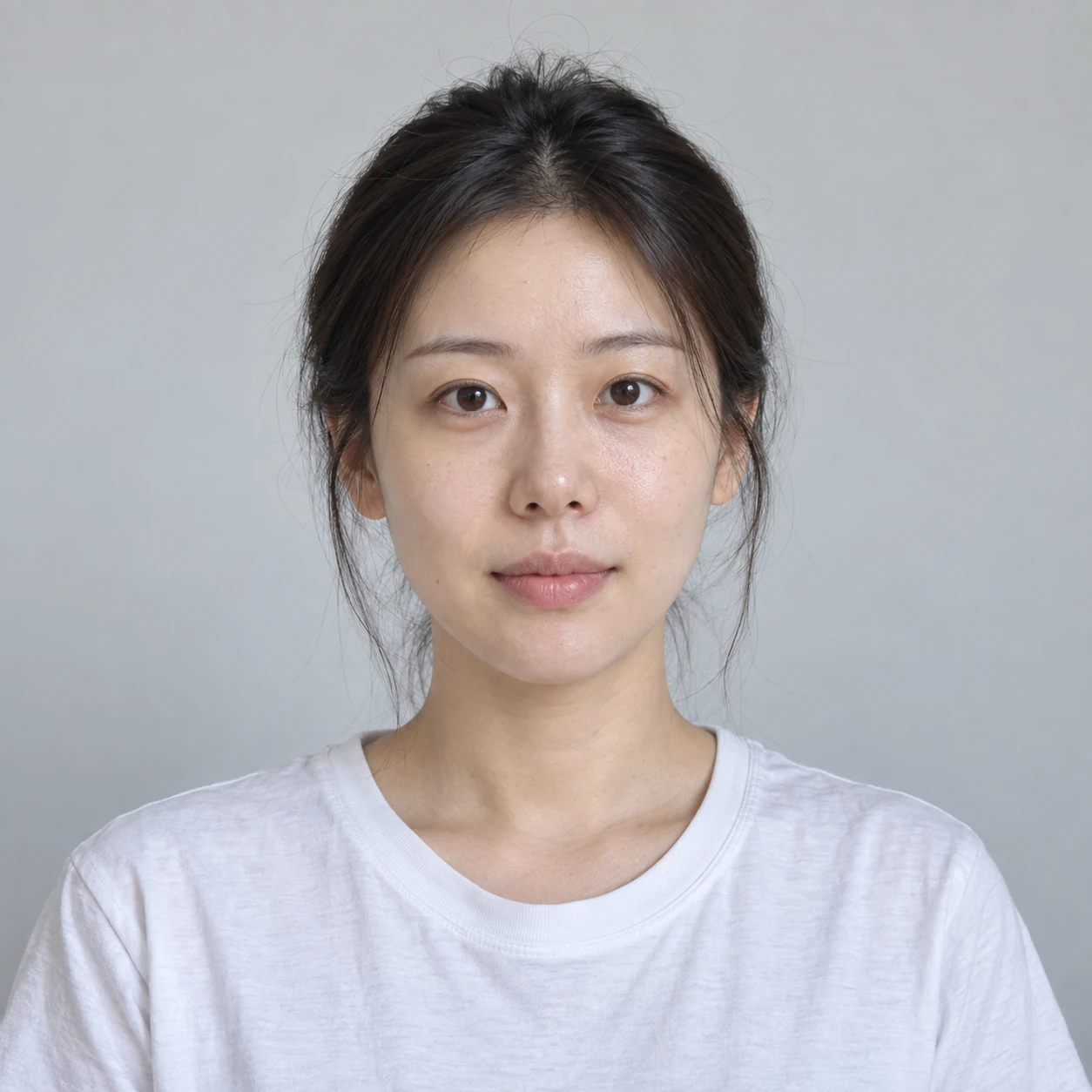
AI-generated before-and-after examples. These do not show real transformations or demonstrate product or treatment effects.
Comparison
Choose 2 photos to place side by side or overlay. Save or share the comparison.
Drag the divider.
Choose the dates and photos you want to compare.
Timelapse
Create a short video from photos in date order. You can use photos you already have.
When you make a video, the app uses eye position to align your face photos. The head angle and space around the face affect how much it can adjust.
Add a Day label and date to your video. Check the layout before sharing.
Examples of body progress and pet growth in timelapse.
More on the channel * Demo clips use AI-generated images.
Your records
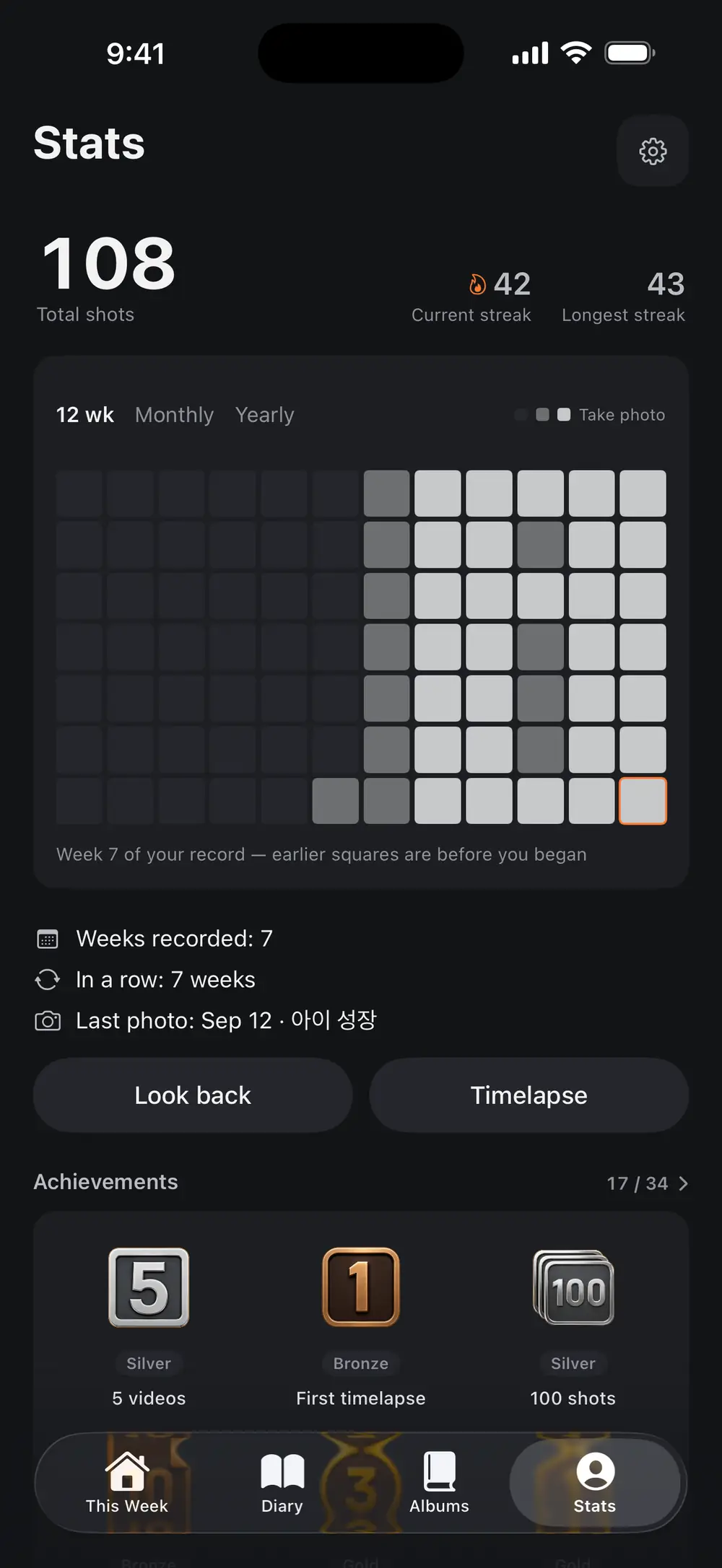
Check your photo count and weeks recorded. Switch to monthly or yearly views to browse a longer period.
Choose optional location and health details in settings. Available features vary by device.
Rewind shows photos from the same week in previous years.
Storage and backup
Photo processing does not require an upload. You can enable cloud backup in settings.
Your device handles face alignment and video creation.
Enable Pro backup to save records to your chosen cloud service. Photos missing from your photo library may also be backed up.
Export photos you keep in the app to your photo library.
Pricing
Start your photo journal and progress albums for free. Choose Pro for more albums and cloud backup.
$0
₩19,000 a year
Yearly and monthly plans renew automatically. Cancel through your store. Lifetime is a one-time purchase.
Prices follow the App Store and Google Play, and vary by region.
Yesterme is a photo journal for comparing body progress and growth photos, and writing about meals, trips and everyday life. It is available on iOS and Android.
Import photos from your photo library with their original dates. Use them to make comparison images or timelapse videos.
You can create 3 albums for free. Pro includes unlimited albums, video exports without ads, watermark removal and cloud backup.
Your device handles photo alignment and video creation. If you enable Pro cloud backup, the app saves records and eligible photos to your chosen service.


